



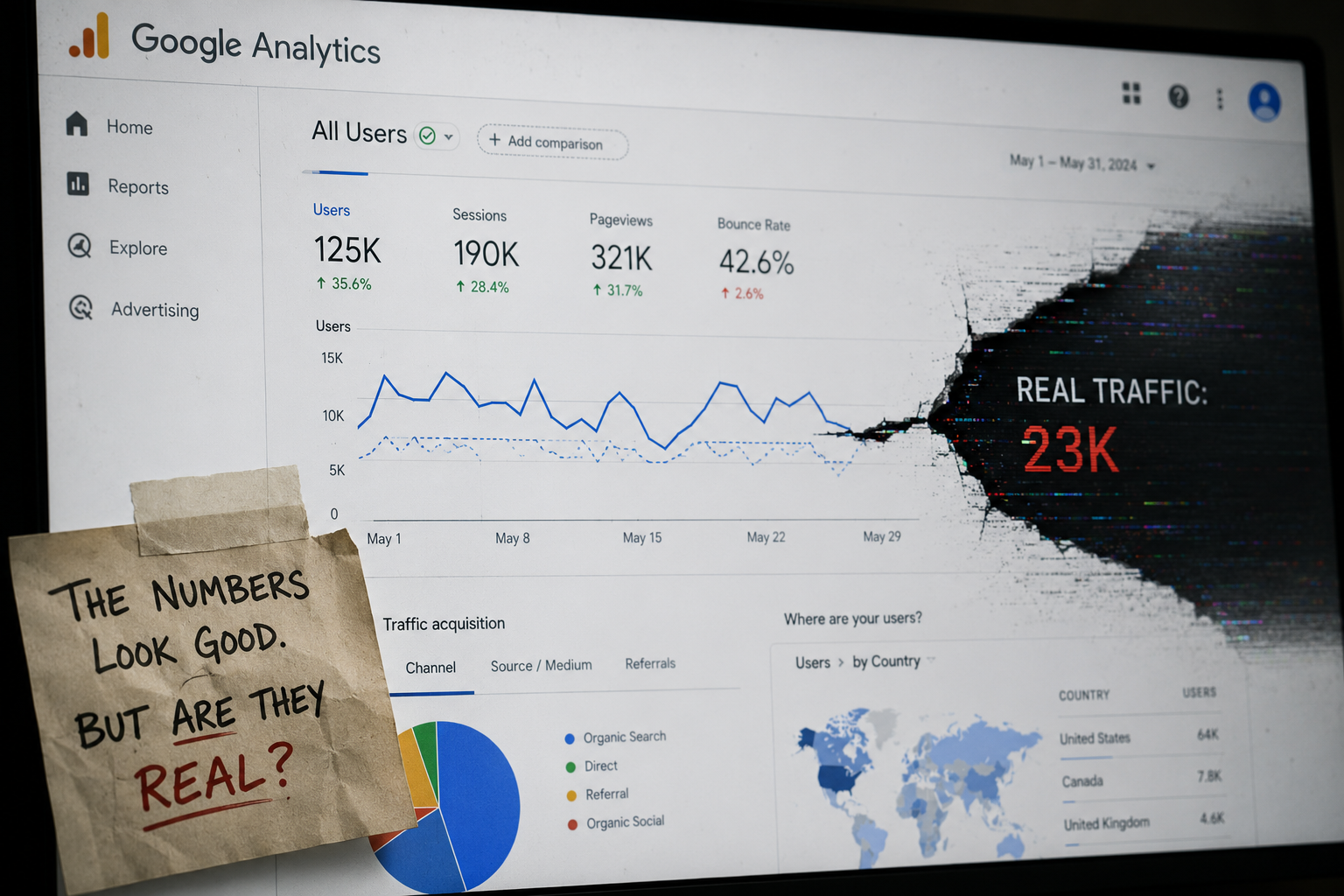
Your GA4 dashboard is almost certainly undercounting traffic from AI tools like ChatGPT, Perplexity, and Google's AI Overviews. The problem is not your tracking code. It is a structural flaw in how GA4's default channel grouping handles AI-referred sessions, and it splits what should be one clean channel into three separate buckets. The result: your reports show a fraction of the AI traffic you are actually receiving, and your decisions suffer for it.
Here is what is broken, why it matters, and exactly how to fix it.
TL;DR
- GA4's default "AI Assistant" channel is too narrow. It misses large categories of AI-referred traffic.
- That missing traffic lands in Organic Search, Direct, or Unassigned, fragmenting your data across three channels.
- A correct custom channel group consolidates all AI referral patterns into one accurate bucket.
- Mainstage builds custom analytics dashboards that get this right from day one, so clients never make decisions on broken data.
The Three-Channel Fragmentation Bug
GA4 introduced an "AI Assistant" default channel in 2024. On the surface it sounds like the fix you needed. In practice it catches only a narrow slice of AI-referred sessions. Here is where the rest go.
Bucket One: Organic Search
Google's AI Overviews sit inside Google Search. When a user clicks a citation link inside an AI Overview, the referrer string looks like a standard Google organic visit. GA4 sees google / organic and routes it straight to Organic Search. Your AI-generated traffic blends invisibly into your SEO numbers, inflating them and making it impossible to separate traditional ranking traffic from AI-cited traffic. Those are very different things with very different implications for your content strategy.
Bucket Two: Direct
Several AI tools, including some ChatGPT surfaces and AI-powered browser features, strip the referrer header entirely before passing the user to your site. No referrer means GA4 classifies the session as Direct. This is the same bucket where you park typed URLs and bookmarks. AI traffic that arrives this way is invisible. You have no idea it happened.
Bucket Three: Unassigned
Newer and less common AI platforms often carry referrer domains that GA4 does not recognize. They are not on Google's channel definition list, they do not match the medium patterns for Organic or Referral, and so they fall through every rule into Unassigned. Unassigned is the junk drawer of GA4. Most marketing directors ignore it. That is exactly where a meaningful share of AI traffic is hiding.
Why This Is a Real Business Problem
If you are investing in content, thought leadership, or web strategy with the goal of being cited and recommended by AI tools, you need to measure whether it is working. Fragmented data breaks that feedback loop completely.
Consider what happens without accurate AI channel data:
- You credit SEO for traffic that actually came from an AI citation. Your SEO agency looks better than it is.
- You assume Direct traffic is brand awareness. Some of it is AI referrals you cannot see.
- You have no idea which content pieces earn AI citations versus which ones do not.
- You cannot make a case internally for Generative Engine Optimization because you cannot show the numbers.
The reporting gap is not cosmetic. It shapes budgets, headcount, and strategy.
The Correct Custom Channel Configuration
The fix is a custom channel group in GA4 that catches all three fragmentation patterns and consolidates them into a single AI Traffic channel. Here is how to build it.
In GA4, navigate to Admin, then Channel Groups, and create a new custom channel group. Add a channel called AI Traffic and build rules that cover all three leakage points.
Rule set one: known AI referrer domains. Set the condition to Session source contains any of the following. Build a list that includes, at minimum: chatgpt.com, chat.openai.com, perplexity.ai, copilot.microsoft.com, gemini.google.com, claude.ai, you.com, and phind.com. Expand this list as new AI platforms emerge. This catches the Unassigned leakage and any referral traffic from AI tools that do pass a referrer.
Rule set two: AI Overview click traffic. This is the hardest bucket to isolate because the referrer looks like standard Google organic traffic. The most reliable current method combines two conditions: Session source exactly matches google AND Session campaign contains aiov. Google has been appending aiov as a campaign parameter on a growing share of AI Overview clicks. It is not universal yet, but capturing it now means your data improves automatically as Google expands the tagging.
Rule set three: UTM-tagged AI traffic. If you are running any campaigns or content syndication through AI-adjacent channels and you control the UTM parameters, add a rule for Session medium exactly matches ai or Session source contains ai. This future-proofs the channel for any intentional tagging you or your partners do.
Set the evaluation order so your new AI Traffic channel sits above Organic Search and above Direct. GA4 evaluates channel rules in order and assigns the first match. If AI Traffic is lower in the stack, Organic Search claims the traffic before your custom rule ever runs.
Save the custom group and apply it as your default reporting channel group. Then go back at least 60 days using the comparison view and see what moved. Most clients are surprised by how much traffic reclassifies.
What You Will See When the Data Is Clean
Once the channel group is configured correctly, a few things become possible that were not before.
You can compare AI Traffic conversion rates against Organic Search conversion rates. AI-referred visitors often arrive with higher intent because they followed a specific recommendation, not just a ranked result. Knowing that changes how you think about landing page design and follow-up.
You can identify which pages earn AI citations. If a specific article or service page consistently shows up as the landing page for AI sessions, that tells you something important about what the AI tools find credible and useful. That insight feeds directly back into your content and web strategy.
You can build an honest trend line. If your AI Traffic channel shows steady month-over-month growth, you have a real signal. If it is flat while you are publishing aggressively, that is also a real signal. Either way, you are making decisions on accurate information.
Why Most Dashboards Never Get Fixed
The honest answer is that most marketing teams discover this problem, understand it, intend to fix it, and then get pulled back into the work of the quarter. The custom channel configuration requires ongoing maintenance. New AI platforms launch, referrer patterns change, and Google adjusts its URL parameter tagging without much fanfare. A channel group that is accurate today needs a review in six months.
That maintenance gap is why the problem persists even for teams with strong analytics instincts. Knowing the fix is not the same as having the system in place to keep it working.
How Mainstage Builds Dashboards That Get It Right
At Mainstage, custom analytics dashboards are part of our AI-accelerated web design and development work. When we build or rebuild a reporting setup for a client, we are not handing over a GA4 property with default settings and wishing them luck. We configure the channel groups correctly at the start, we document the logic, and we build the dashboard so that AI Traffic is a first-class dimension from day one.
The dashboards we deliver are owned outright by the client. There is no subscription to our proprietary tool, no lock-in to a platform we control. You get a reporting system that reflects your actual traffic sources, including the AI referral traffic your current setup is hiding.
We also structure the dashboard around decisions, not raw metrics. Marketing directors do not need more numbers. They need to know whether their content is earning AI citations, whether those visitors are converting, and where to put resources next quarter. That is what a well-built dashboard answers.
If your current GA4 reports feel incomplete or your Direct traffic seems higher than it should be, there is a good chance you are sitting on a fragmentation problem. It is fixable, and it is worth fixing before you make another quarter of decisions on inaccurate data.
Ready to see what your AI traffic actually looks like? Explore our analytics and web work or reach out to book a discovery call with our team.